Enter password

Description
In this project, you will have the opportunity to explore the world of editorial typography and the grid system, two fundamental concepts that form the foundation of typography design. Through this project, you will develop your design skills and gain an understanding of the role typography plays in editorial design.
The project prompt is to design an exhibition catalog, and you have complete creative control over the content of the exhibition. However, it should be the result of thorough research, curation, and an in-depth understanding of typography principles. Your exhibition catalog will include a range of elements, including images, titles, body copy, quotes, images, captions, and more. You will get to experiment with various typefaces, sizes, colors, and layouts to create a cohesive and visually compelling design.
One of the primary tools you will be using for this project is Adobe InDesign, a powerful layout and design software that allows you to create and edit professional-grade publications. You will learn how to use InDesign to implement the fundamental principles of typography, such as hierarchy, contrast, and alignment, to create a layout that effectively communicates your exhibition content.
Guidelines
Reading resources
Editorial Typography slides ➜ D2L
The form of grid, Gonzales Crisp ➜ excerpt on D2L
Diggin’ it?!, Nick Shinn ➜ excerpt on D2L
Cornish InDesign how to make justified type look good ➜ here
Baseline grid, by Keith Tam ➜ here
Typography Cheatsheet ➜ here
Typography Resources ➜ here
InDesign Tutorial: Baseline Aligned Grid ➜ here
Rules
For this project, you should use Adobe InDesign
You should use the Modular Baseline Grid system.
You need to find at least five visual artists/designers whose work is conceptually/formally associated. You also need to come up with a title for the show. Please avoid cliché names and artists whose names have been overused (a.k.a. Andy Warhol, Roy Lichtenstein, etc.)
As a curator, you need to write at least a 400-word preface for the exhibition and explain why you have selected these artists and how you see the connection among them. This is your feeling/reasoning for selecting those artists, so do not use AI to generate unrelated general reasons for this purpose.
There is no limitation on the number of pages. However, you need to have at least three pages per artist that include a biography and three artworks.
There is no limitation in the format/dimensions of the exhibition catalog. It could be a booklet style or an origami folding large piece of paper.
You are free to include any relevant element(s) in your composition as you see fit.
Please consider the limitation of printing size, double-sided print, paper type, etc., but do not confine yourself to traditional methods.
Consider the catalog as an extension of the exhibition. Your decisions about format, dimensions, font(s), color palette, layout, composition, hierarchy, materials, etc., play a major role. However, it should be functional and communicative.
Make sure to have access to high-quality images of artworks. Pixelated and low-res images are not acceptable.
Your catalog should include titles, subtitles, quotes, body copies, images, captions, and folios. Don‘t forget to add a bibliography and cite all works that you used in this educational project..
For the date and address, you may use the week of the project deadline and school location.
Do not deform the proportion of the artwork, change colors, make them black and white, or add/remove elements to/from the artwork image. Please maintain the integrity of the artwork images as the artist intended.
Your concept should be original and unique. Please refrain from copying clip art, using AI image creator, or any other pre-existing images. While you may use reference images as inspiration, it is not acceptable to copy them. Do not use AI as a curator!
Proposal
Please follow all steps on the Project 1 worksheet posted on D2L.
Make a SINGLE pdf file of all pages (crop edges and adjust the contrast of scanned materials) and submit it before the deadline with the proper file name (Last_first-P1.pdf).
Have your copy ready for the proposal session and one-on-one review.
DIGITAL SUBMISSION
Before submitting your project, please ensure that it meets all the requirements in the final project checklist in this page. The checklist also will be posted on D2l before each project's deadline.
You need to submit TWO files for this project:
An .indd format file (Saved as a package) that includes your design. This file includes your grid system as well.
A PDF file (landscape/slide-format layout, 1920x1080 px) that includes your curatorial research brief, design strategy, sources of inspiration, and at least three images of your physical product. (do not use presentation templates)
Save your file in 'lastname_firstname-P1' format.
Submit your project under the project assignment module on the D2L website AND your self-assessment in the comment section.
DOUBLE AND TRIPLE CHECK to ensure your ai/PDF file and self-assessment are up on D2L.
You are required to deliver your exhibition catalog in the intended format.
You may use CDM Print Lab (Daley #511) and IRL space (Daley #310) to execute your project.
It is your responsibility to deliver your project on time. Please be aware that no excuses related to lab availability or equipment will be accepted.
The quality of print, trimming, and handling is important. Please ensure that all of these are executed with care and precision.
Self-Assessment
You will write this on D2L at the same time you submit your file. Your entry should include the following:
Identify what elements of your design gave you the most problems.
Identify what elements of your design you feel are most successful.
In your opinion, how do you evaluate your performance in this project?
Please focus on discussing your design work and the creative process rather than any struggles or successes related to technology or time management.
Worksheet
Research and come up with at least five visual artists/designers whose works are relevant formally/conceptually.
In a paragraph (150 words), describe why you selected them. And how do you think their works are related? You don't need ChatGPT to write this for you!
Using rough sketches, create a 2" x 2" visual representation of eight visual elements that you believe are formally or conceptually associated with their works.
Create a mood board by researching other artists' works and selecting at least six design styles that are relevant to your concept. Your mood board should comprise editorial/layout design elements, and you may incorporate images of books, magazines, or catalogs whose layouts you admire. Don't limit yourself to online sources alone, including Pinterest!
Identify your design style with an example from your mood board, such as minimalism, flat design, retro and vintage, grunge, hand-drawn and illustrative, pop art, geometric, 3D, isometric, modern, or art deco.
Make a list of the typefaces you may use in this project. Display, bodycopy, etc.
Determine the possible catalog form, dimensions, and color palette.
Sketch your grid for four pages with different content. (ex. Cover, curatorial note, artist introduction, and artist work pages )
Create a scale model of your catalog and bring it to class. Your prototype should include sketches of the intended contents. It also should depict the format and number of pages that will consist of.
Organize all materials into a neat, cohesive PDF with a clear layout. Upload your PDF to D2L before the deadline.
Bring a printed or digital copy to your one-on-one meeting for feedback.
RESOURCES
Another Graphic, Creative Boom, Pentagram, abdz.do, Design Inspiration, It is Nice That, Type Wolf, Behance, Pinterest, dribbble, Herb Lubalin Study Center, Poster Archive, typo/graphic posters, The People’s Graphic Design Archive, USSR poster archive, and Letterform Archive.
Design tip: Design is a demanding process that requires time and dedication. While it's possible to complete all the stages of this project in a few hours, only expect great results if you invest enough time and effort into it. Remember, solid design takes time!
Checklist
PREPARATION
Please note that this project is all about editorial layout with a baseline grid system! That means you should dedicate the majority of your time to perfecting it.
Ensure that your layout maintains uniformity across all pages. This involves adhering to the prescribed rules for body copy, images, pull quotes, running footer/header, and other elements throughout the catalog.
Are all text elements aligned with the baseline grid logic? This implies that the leading (line spacing) of all text elements should either match the leading of your baseline grid or be a factor or multiple of it. See Baseline Grid, by Keith Tam ➜ here
Please pay attention to typographic elements, such as typeface name, its pedigree, typesetting (including kerning, tracking, leading, overshoot aligning, and more), composition, harmony, and hierarchy. These are the essential elements that will be evaluated to determine the success of your project.
Ensure that the body copies are free from any instances of rivers, orphans, or widows.
Is your text material legible and readable?
You should demonstrate your research skills by creating a design that effectively captures the essence of the artist group's shared formal and conceptual interests while also reflecting your personal style.
Have you included your curatorial note? Remember to write a preface for the exhibition that is at least 400 words long. In this preface, explain why you have selected these artists and discuss the connections you see among them.
Has your catalog incorporated all the required sections and pages specified in the project guideline document? It is essential to include a minimum of three pages per artist, featuring a biography and three artworks.
Ensure that all images used are high quality and suitable for printing. Pixelated and low-resolution images are not acceptable. Additionally, you cannot manipulate the images, such as altering colors, adding elements, or changing the aspect ratio of the original artwork.
Did you cite all imported materials (text/images) in the form of captions and list them in the bibliography? Does your bibliography follow the rules of your baseline grid? Tip: When including links in printed materials, avoid using full URLs (blue text with underline) that readers cannot click on. Instead, provide the website address (without underlining), the author's name, and other necessary info based on your citation style.
Remember, haphazard and rushed designs will not earn you a satisfactory grade. You must create a functional and engaging outcome that truly resonates with the audience and convinces them to get involved.
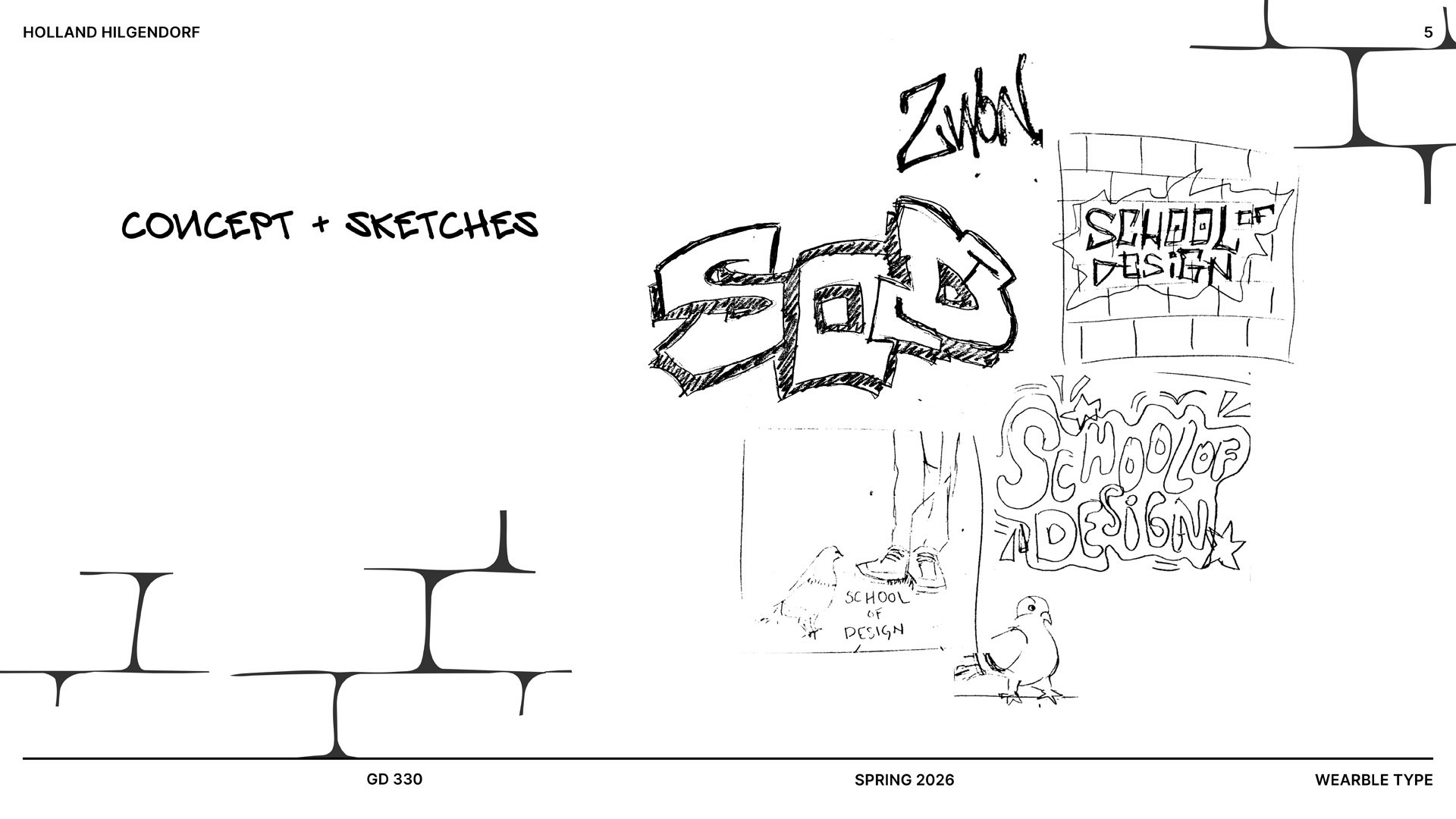
To complete this project, you will need to create two files: a .indd file containing your design, and a PDF file showcasing your project's evolution from the initial idea to actual photos of the finished product in action (not mockups). Please consider including the steps of the proposal/worksheet.
Once you have completed designing your layout in Adobe InDesign, you may use the Print Lab (#511 Daley) to print your work.
Before submission, make sure all link elements are embedded in your InDesign file to avoid pixelated low-res print.
If your catalog is in a booklet binding format, please make sure to submit a PDF file, that you prepared via the PostScript file method, to Print Lab for printing purposes. We previously discussed the method for exporting this double-sided booklet binding print-ready file. For further details, refer to the announcement you received earlier.
Paying close attention to the quality of the physical catalog is crucial for your project grade. Factors such as cleanliness, alignment, and craftsmanship (binding) play a significant role in achieving the best possible outcome.
It is crucial to pay attention to the guidelines provided by both the Print Lab and iRL supervisors and to follow all lab rules while working on this project. Please clean up after yourself and maintain a safe and organized workspace. Any violation of lab rules may result in a deduction of points.
Please note that no excuses regarding printing delays, mistakes, or other issues will be accepted. It is your responsibility to ensure that your project is properly completed and delivered by the deadline. To avoid any potential delays, please be sure to give the Print Lab sufficient time for printing.
DIGITAL SUBMISSION
Before submitting your project, please ensure that it meets all the requirements in the final project checklist.
To complete this project, you will need to submit two files:
A .indd format file containing your layout and all elements, ensuring that the baseline grid is included. Additionally, double-check that all images are embedded in the file and not linked externally. You can achieve this by saving your project as a Package. This will allow me to view your file exactly as you intended. If possible, try opening your InDesign file on a different computer to ensure everything appears as expected.
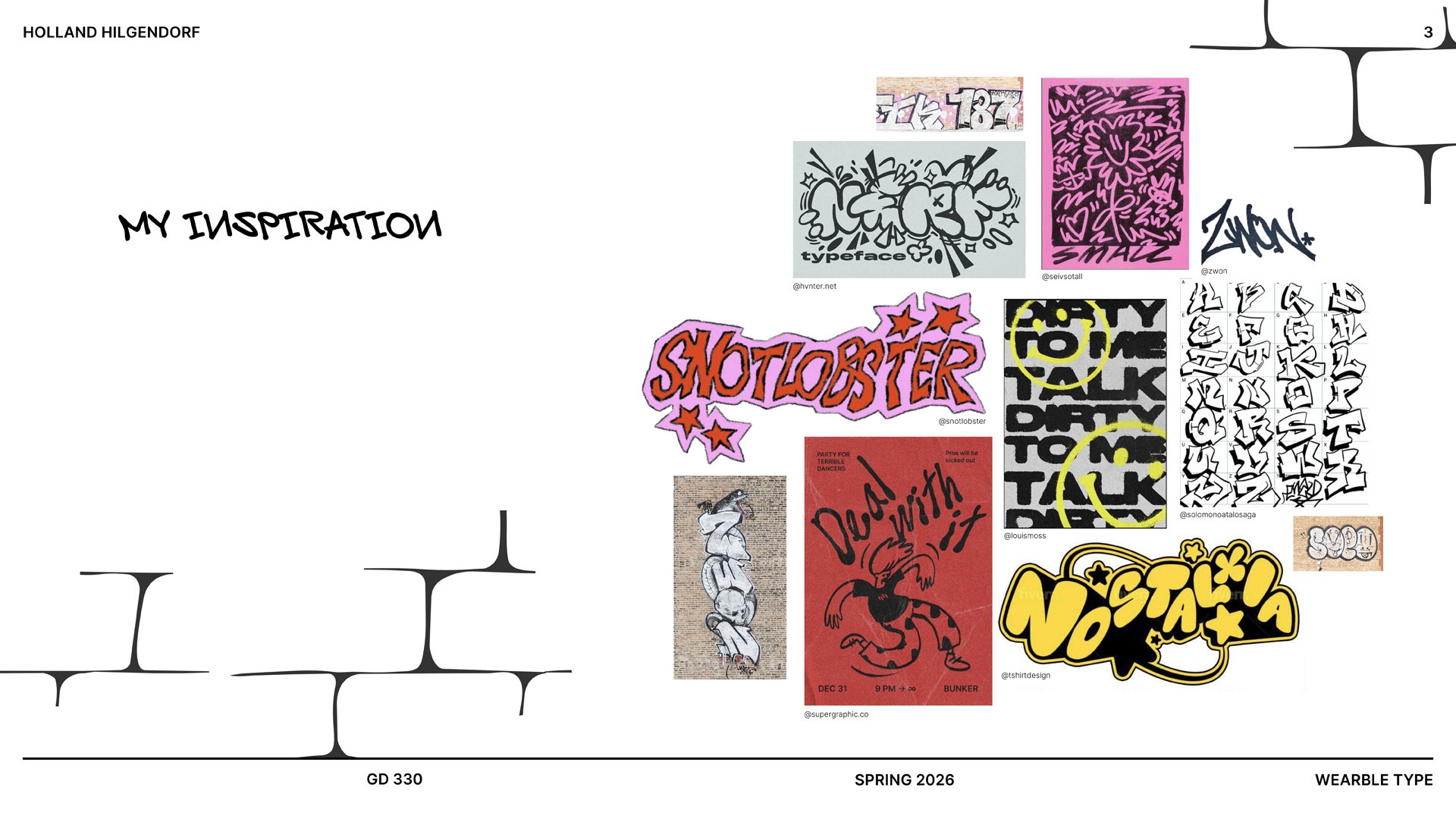
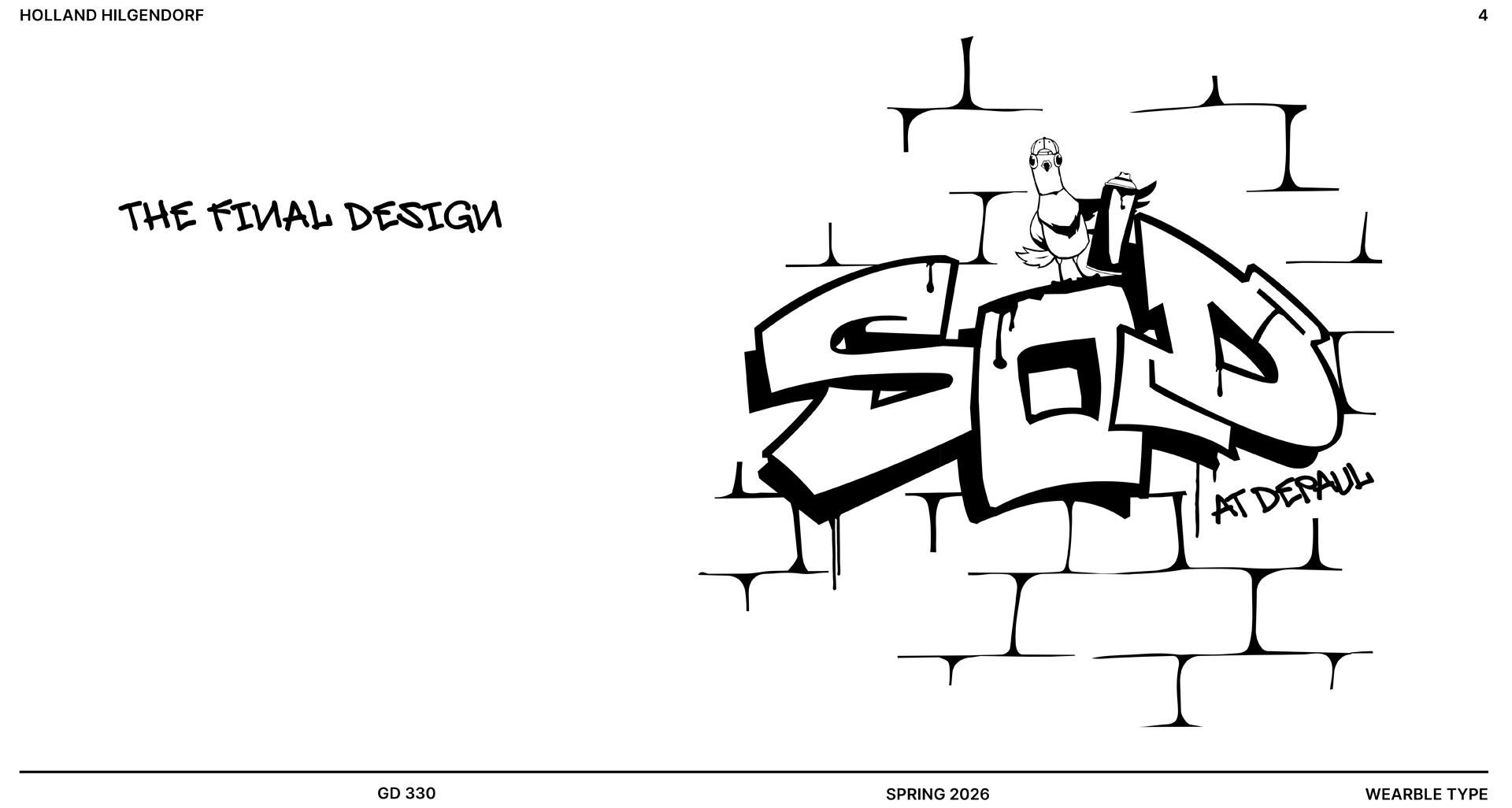
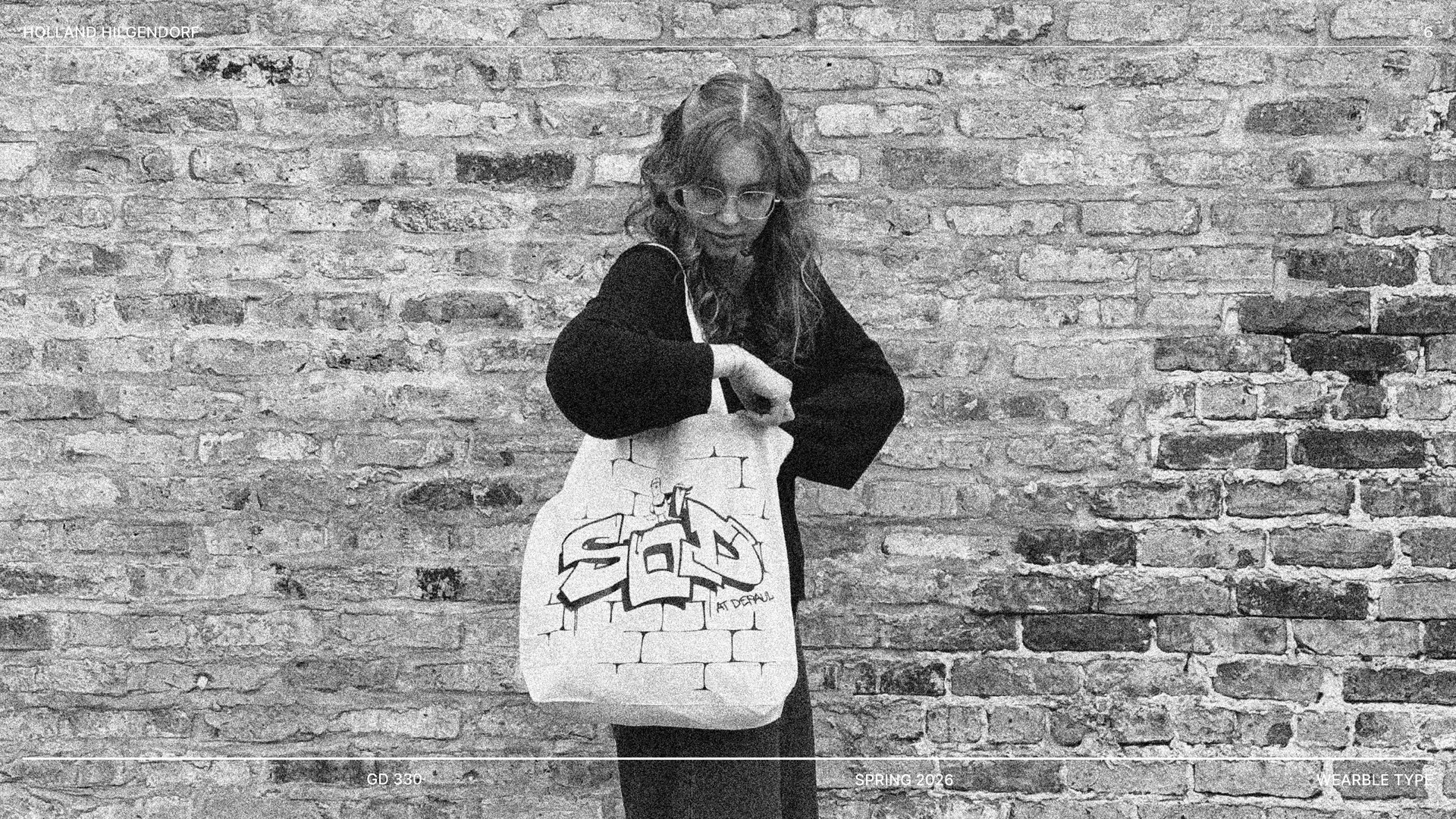
A PDF file for your presentation, which should include your research brief, design strategy, sources of inspiration, and a minimum of three images showcasing your physical product. The images should consist of a close-up detail shot, a full product shot, and an image that demonstrates the product in action.
Please keep in mind that this is a presentation file, not intended for print, so a landscape or horizontal layout is needed. A clean and readable layout is important.
Ensure that all items in the mood board have captions, including the artist's name and source.
Please consider including the steps of the proposal/worksheet. You will present this file alongside your physical product in class.
Please avoid using pre-existing templates from the internet or apps. Design your own unique template.
Clean layout and well-organized content matter.
Save your file in 'lastname_firstname-P1' format. For example, my file would look like Amini_Sajad-P1.ai/pdf.
Submit your project files under the project assignment module on the D2L website AND your self-assessment in the comment section.
DOUBLE AND TRIPLE CHECK to ensure your files and Self-assessment are up on D2L.
Self-Assessment
You will write this on D2L at the same time you submit your file. Your entry should include the following:
Identify what elements of your design gave you the most problems.
Identify what elements of your design you feel are most successful.
In your opinion, how do you evaluate your performance in this project?
Please focus on discussing your design work and the creative process rather than any struggles or successes related to technology or time management.
Rubric
Item | Weight |
|---|---|
Ideation (Proposal) | 15% |
Realization & Research | 15% |
Digital Execution, Layout, and Grid | 20% |
Print and Craft | 15% |
Presentation | 15% |
Self-assessment | 10% |
Critic active participation | 10% |
Total | 100% Points |
Student Presentations


LOVEYA CHINGALE


NICK DARIVAS
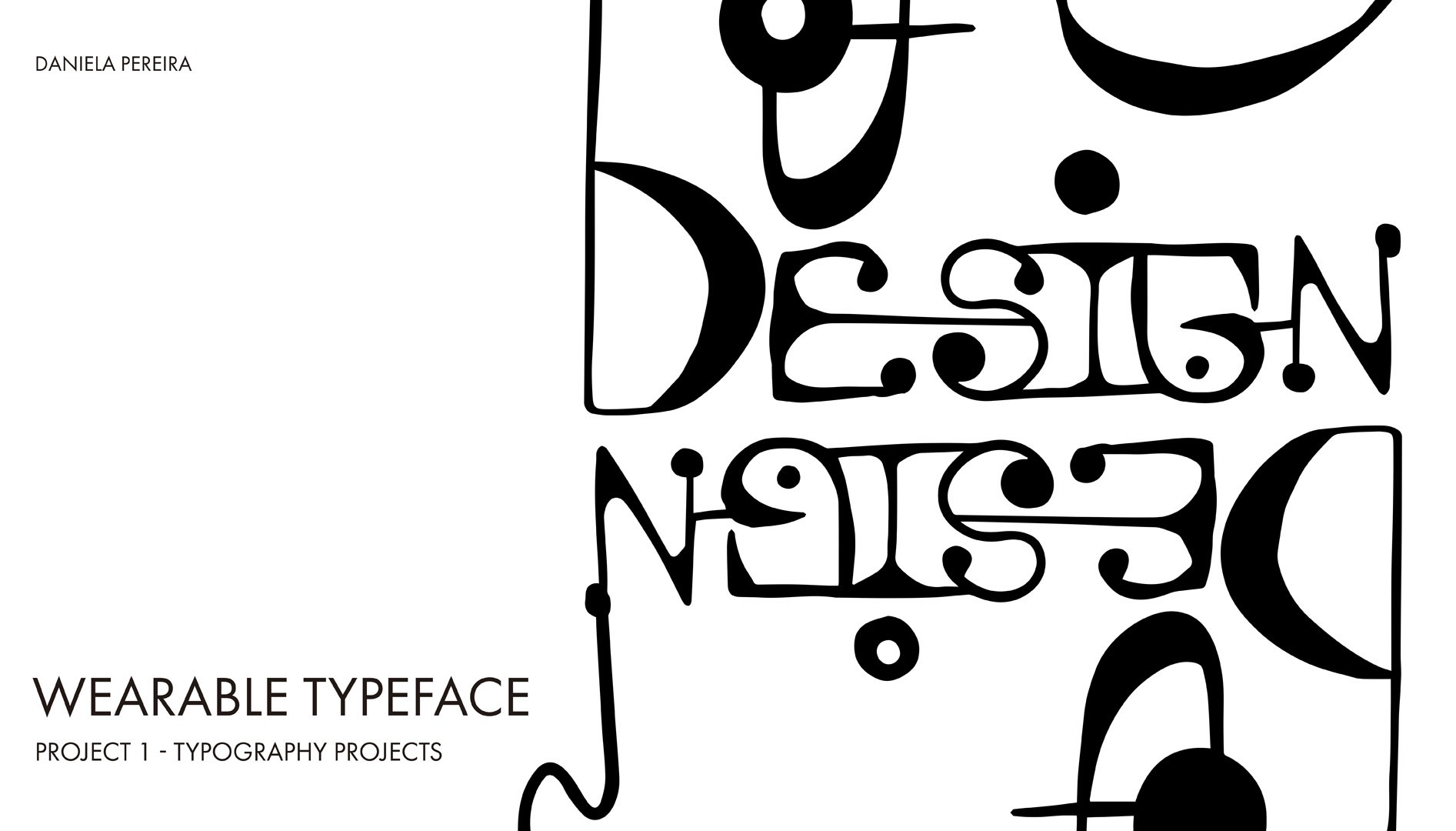
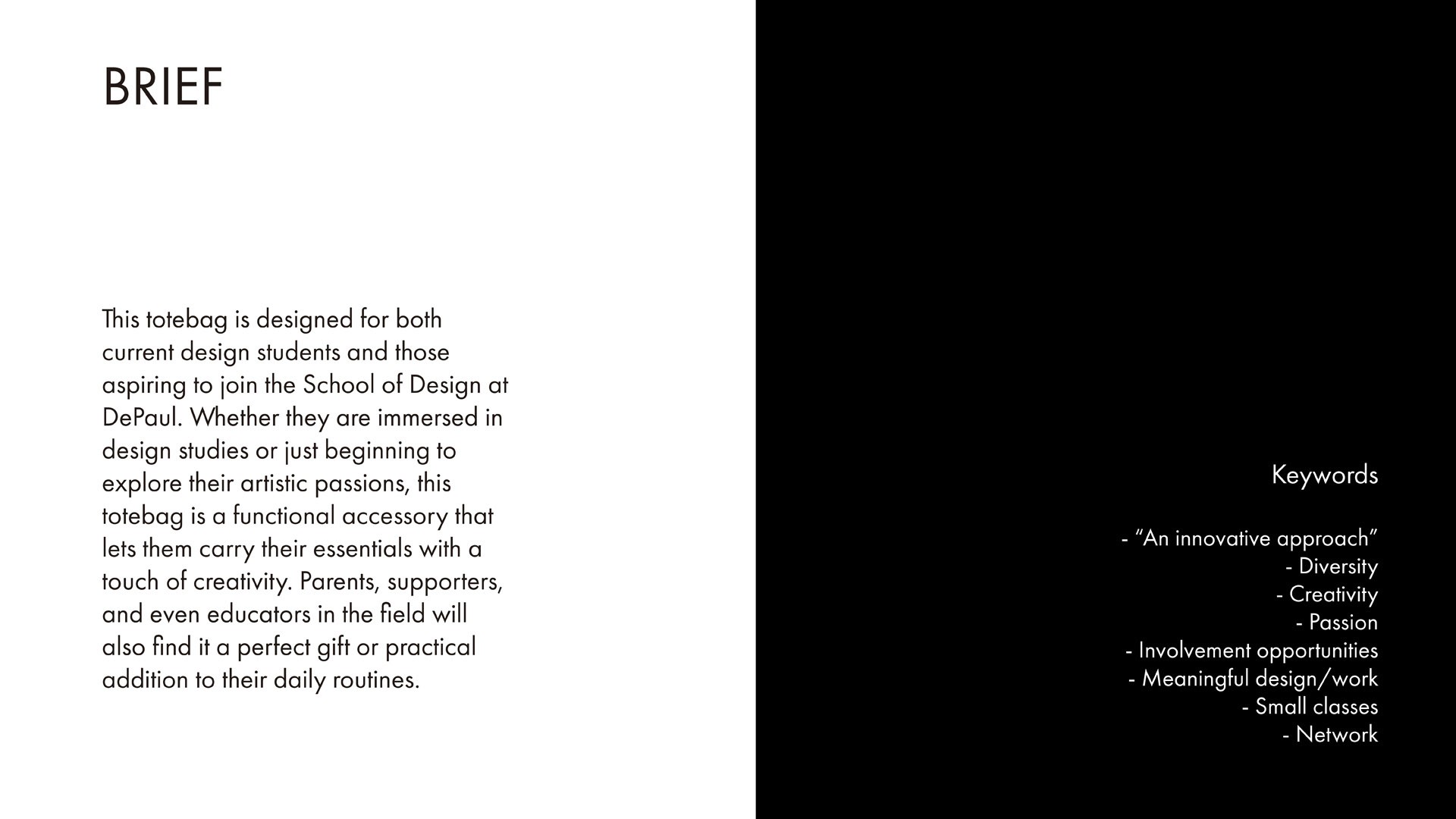
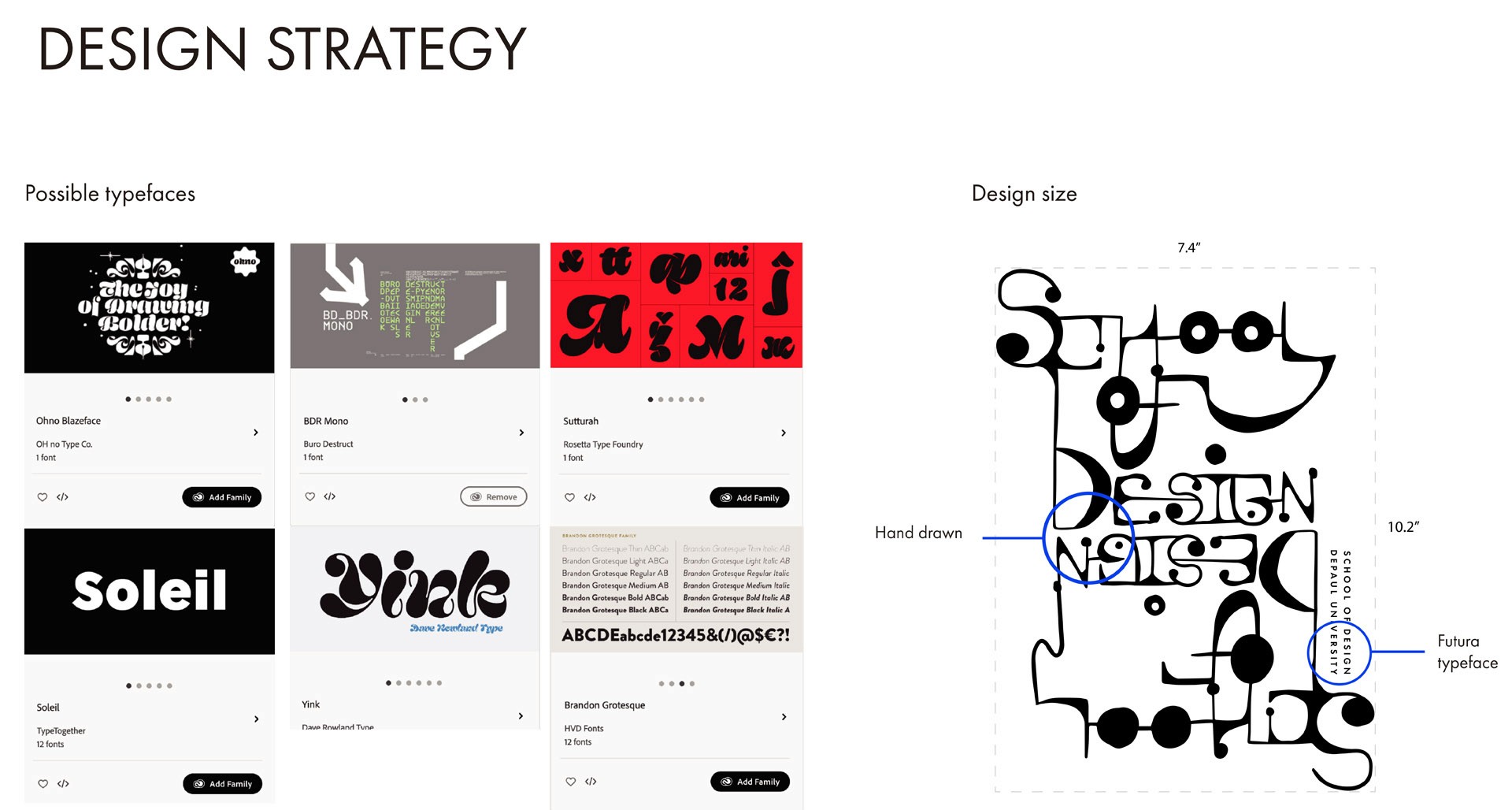
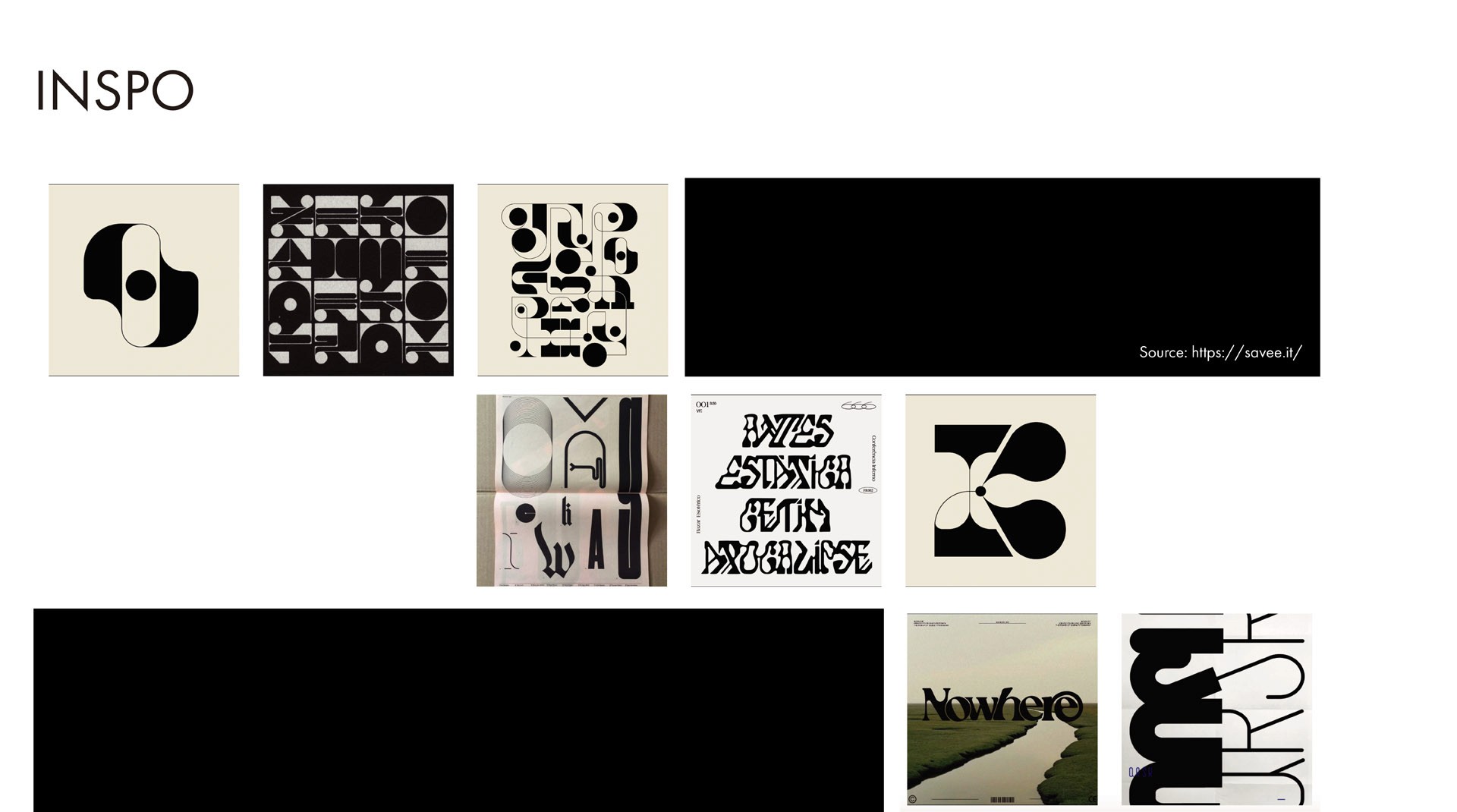
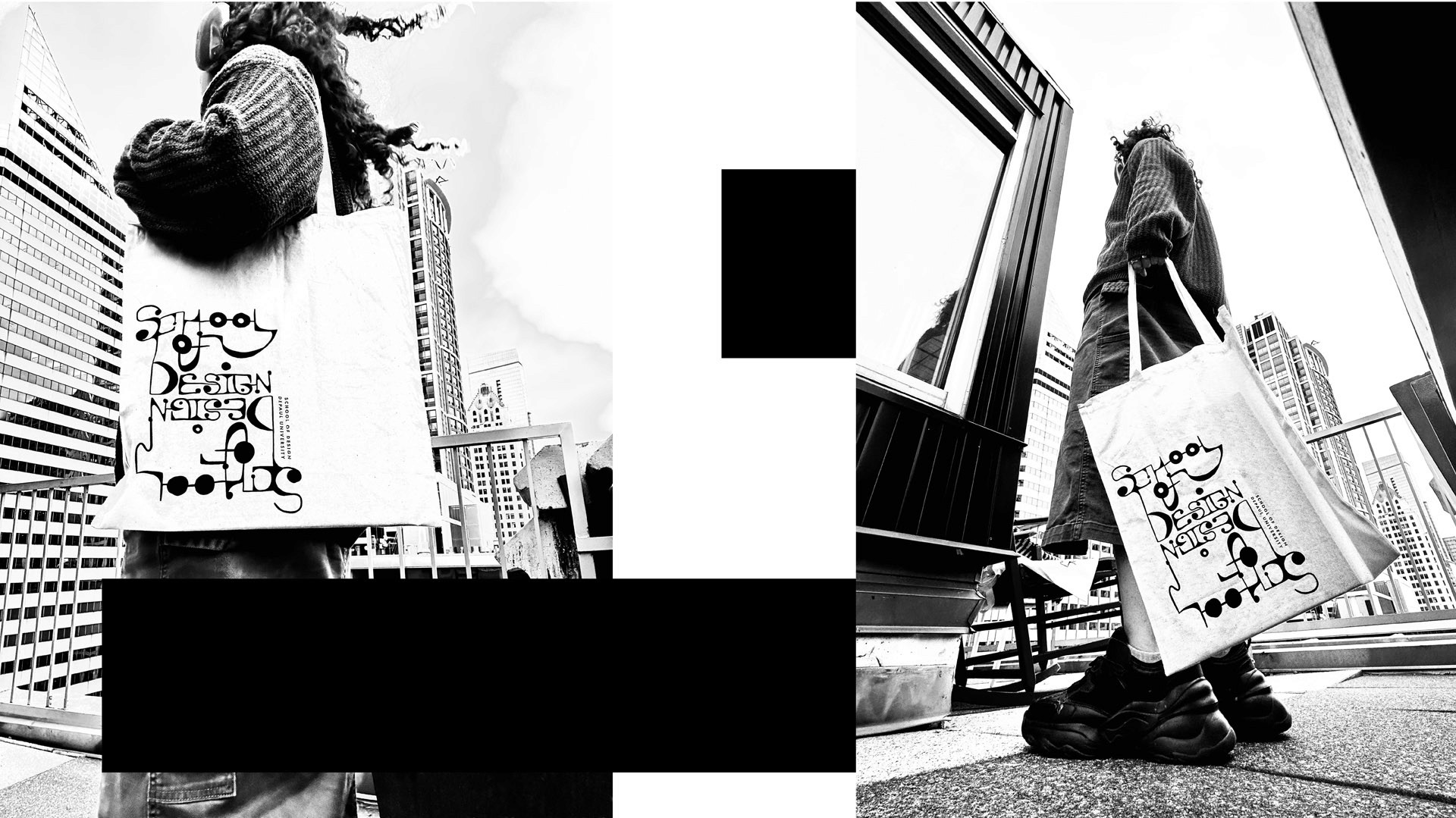
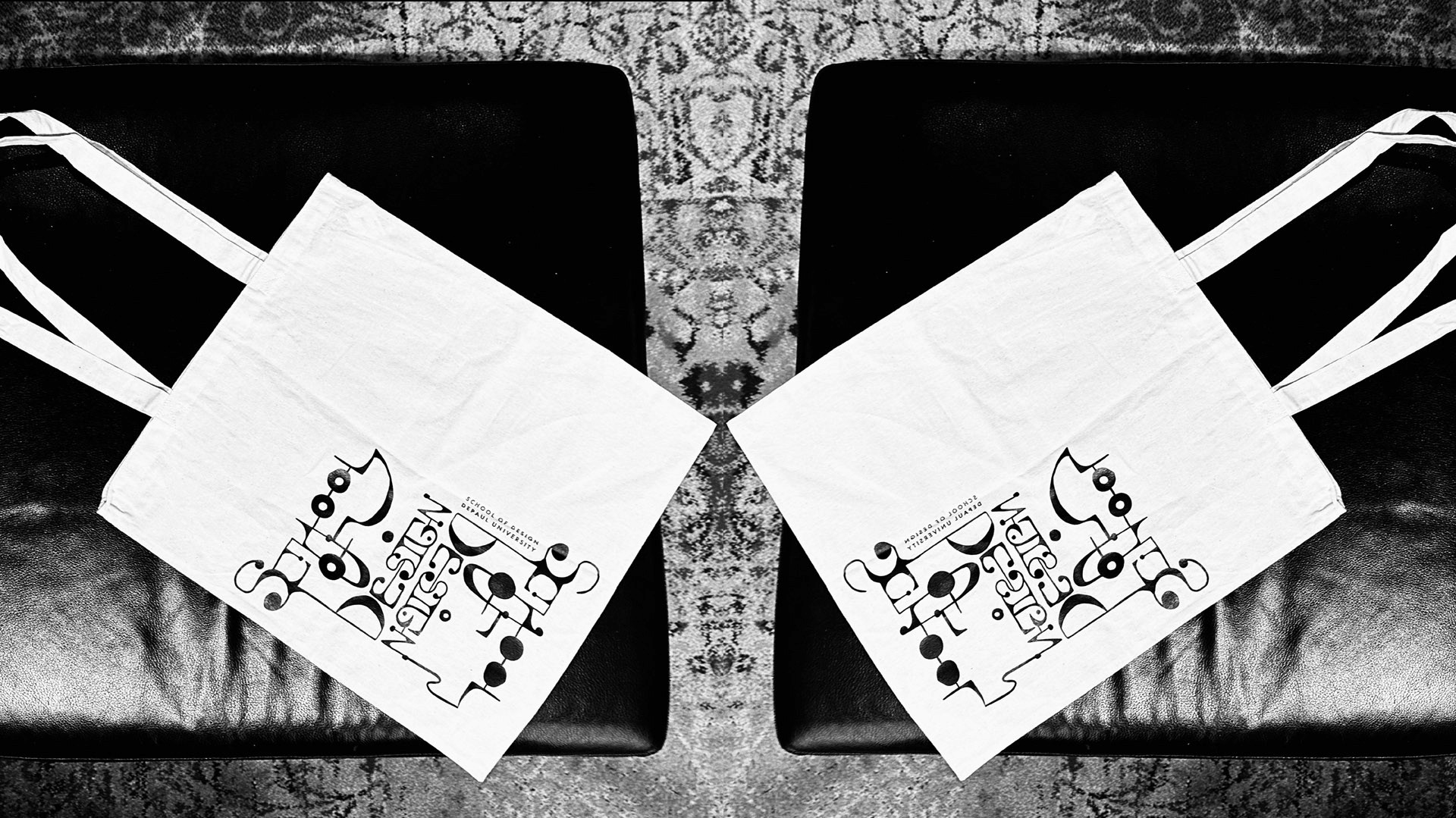
Daniela Pereira
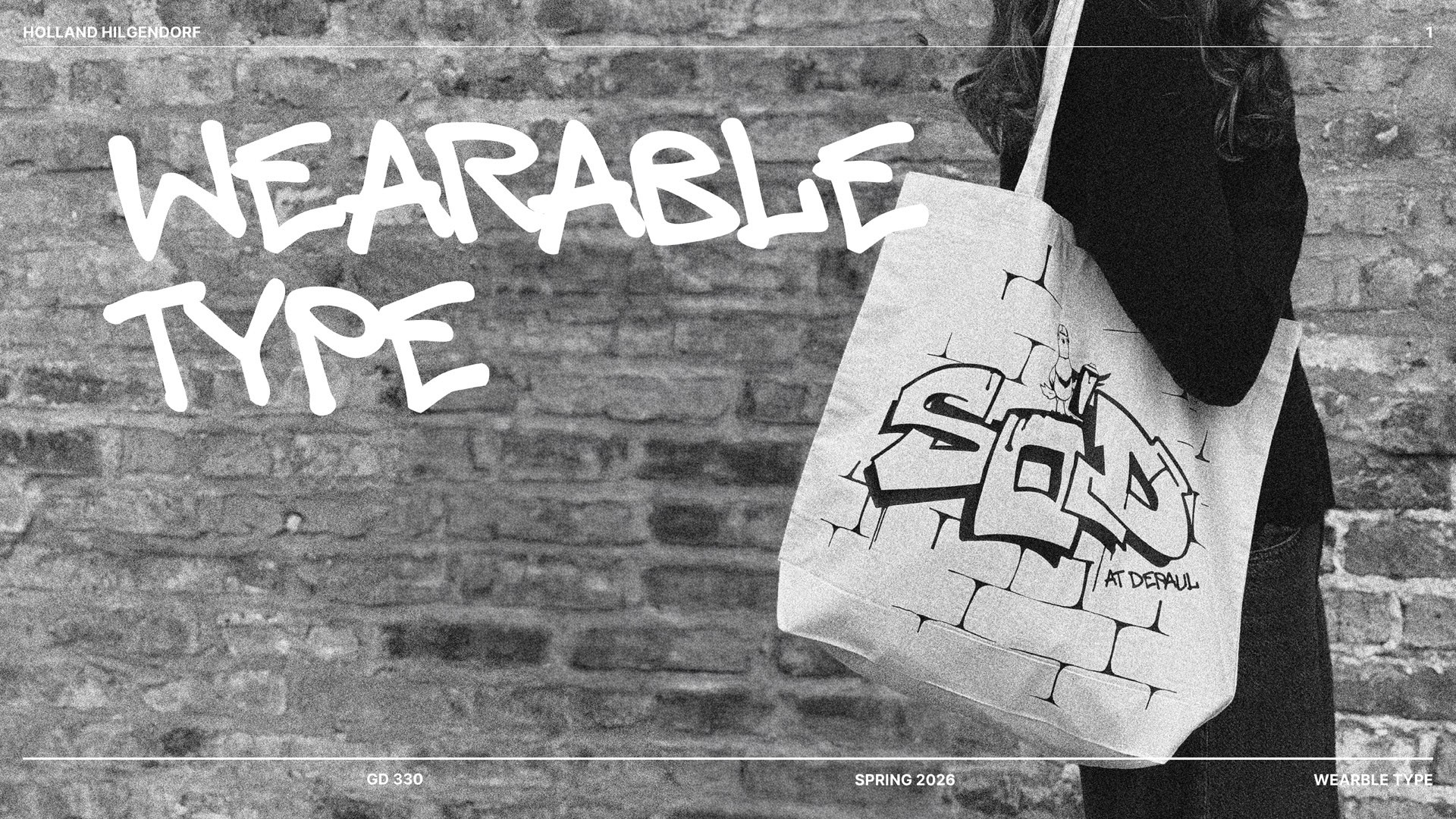
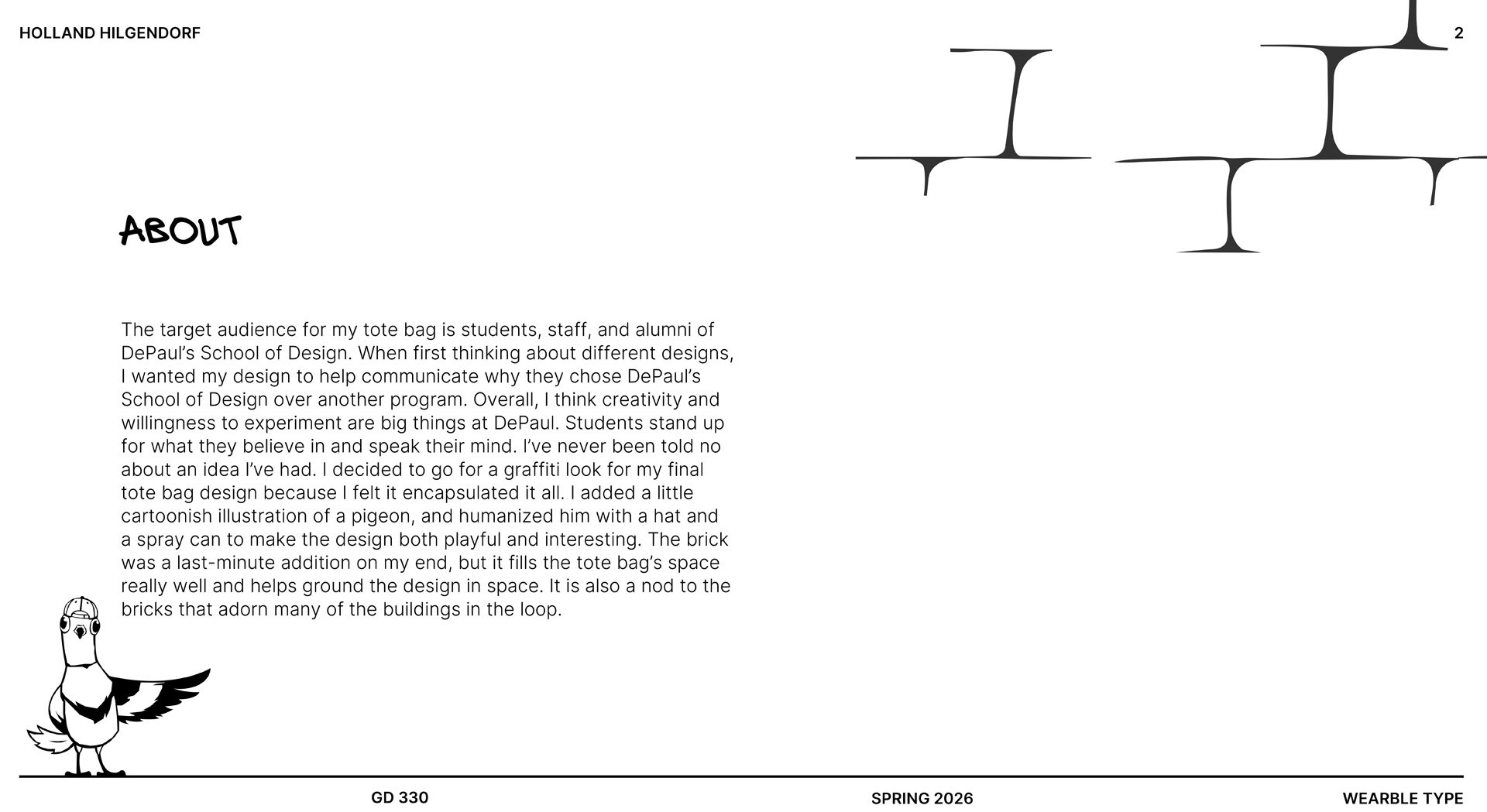
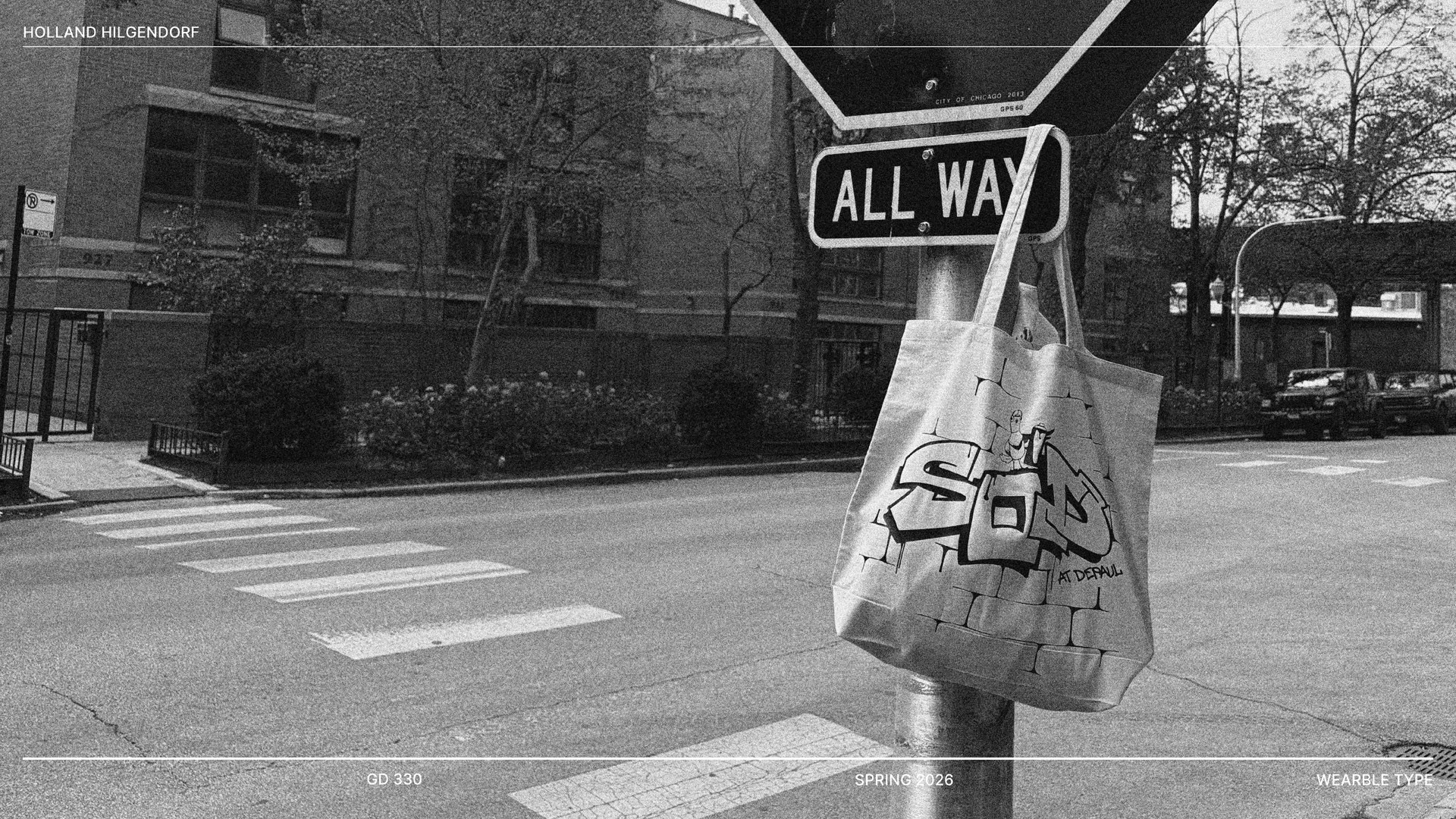
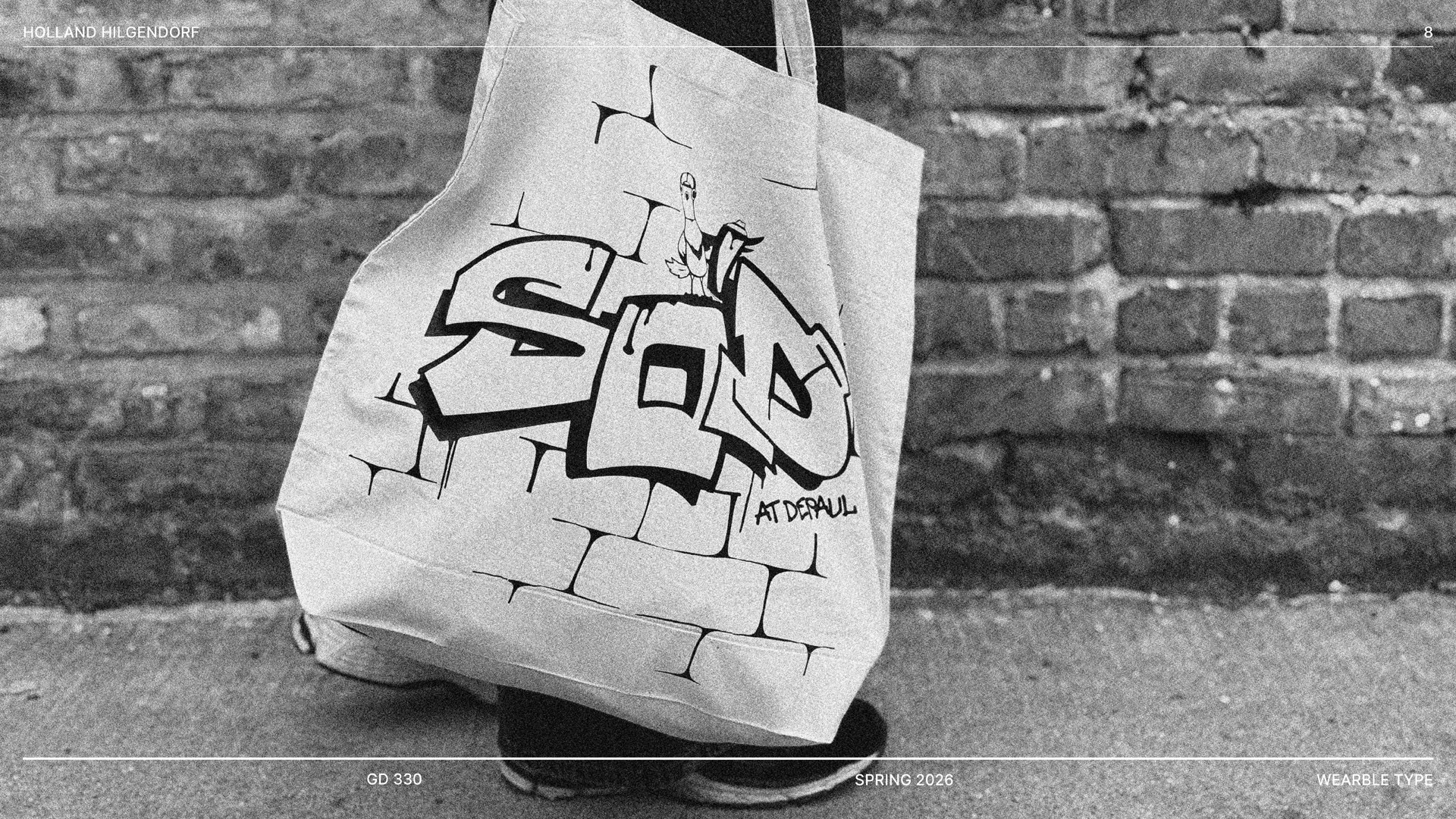

Holland Hilgendorf
Student Final Product

Savannah Romero

Regan Monahan

Loveya Chingale

Eden Schilling

Nick Darivas

Alejandro Murillo

Izzy Lima
